Skip to content
AutomationHub
back to the app directory

UANavigator

// for when the documentation gave up

UANavigator app icon

OPC UA Server Browser

WindowsLinuxTauri 2 / Rust

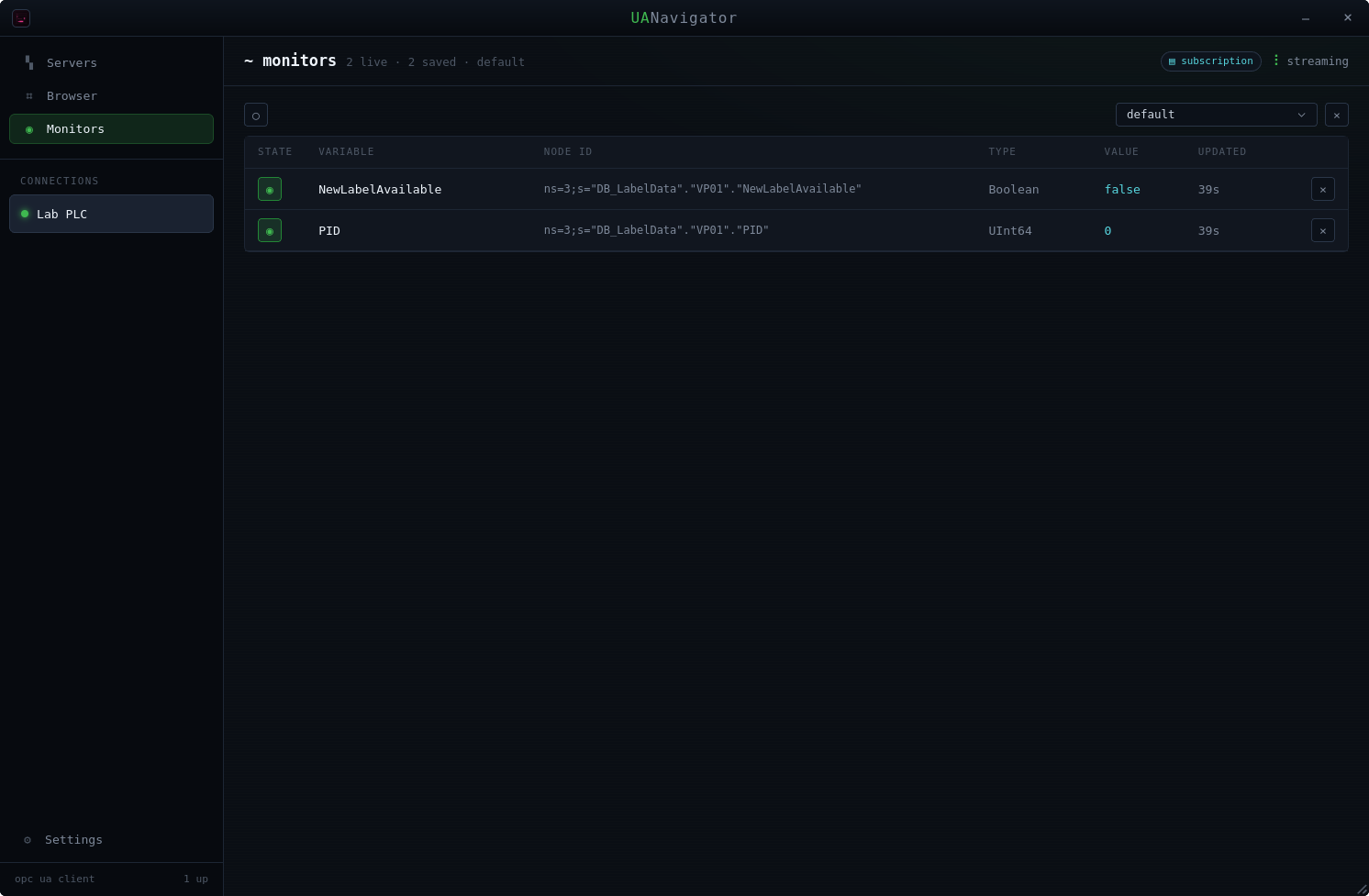
A cross-platform desktop client for OPC UA servers, in a terminal-inspired dark UI — Braille spinner, monospace type, no small talk. Find the server by URL or over the network, walk the address space, read what the nodes claim, and keep the ones you care about updating live.

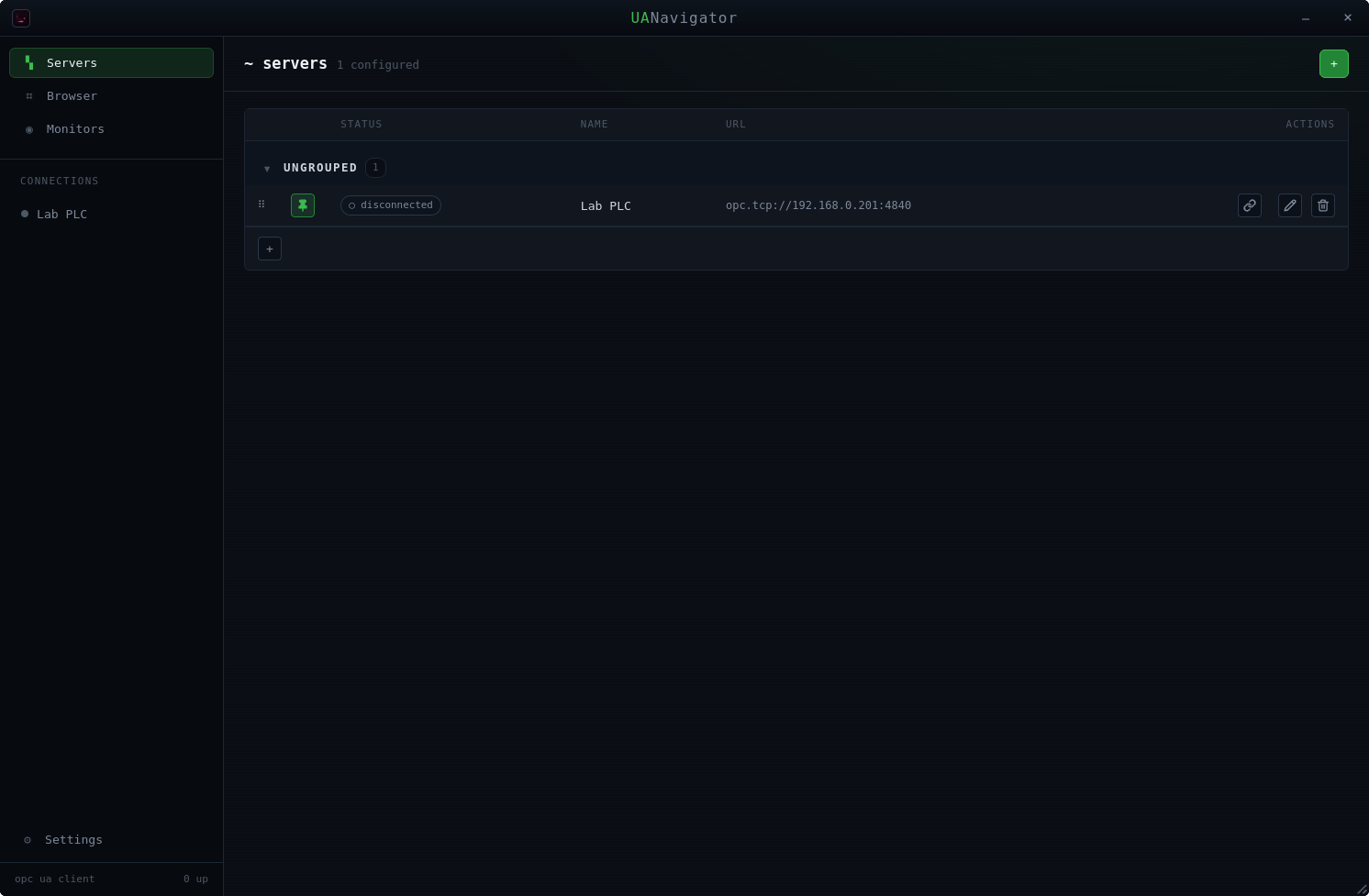
Connections and saved nodes persist in SQLite. On startup they come back as disconnected connections; one click reconnects, and every saved node flagged to watch resumes streaming by itself. Your tags will still lie. At least now you can watch them do it.
Screenshots

// numbered drop-in — 01.png, 02.png, … — whatever exists, shows

// screenshots pending — drop 01.png+ into apps/uanavigator/

Features

  • Server discovery. Connect by URL, or discover servers on the network through the OPC UA FindServers service.

  • Endpoint selection. Lists the security endpoints a server advertises; connect with the chosen policy (v1: anonymous identity).

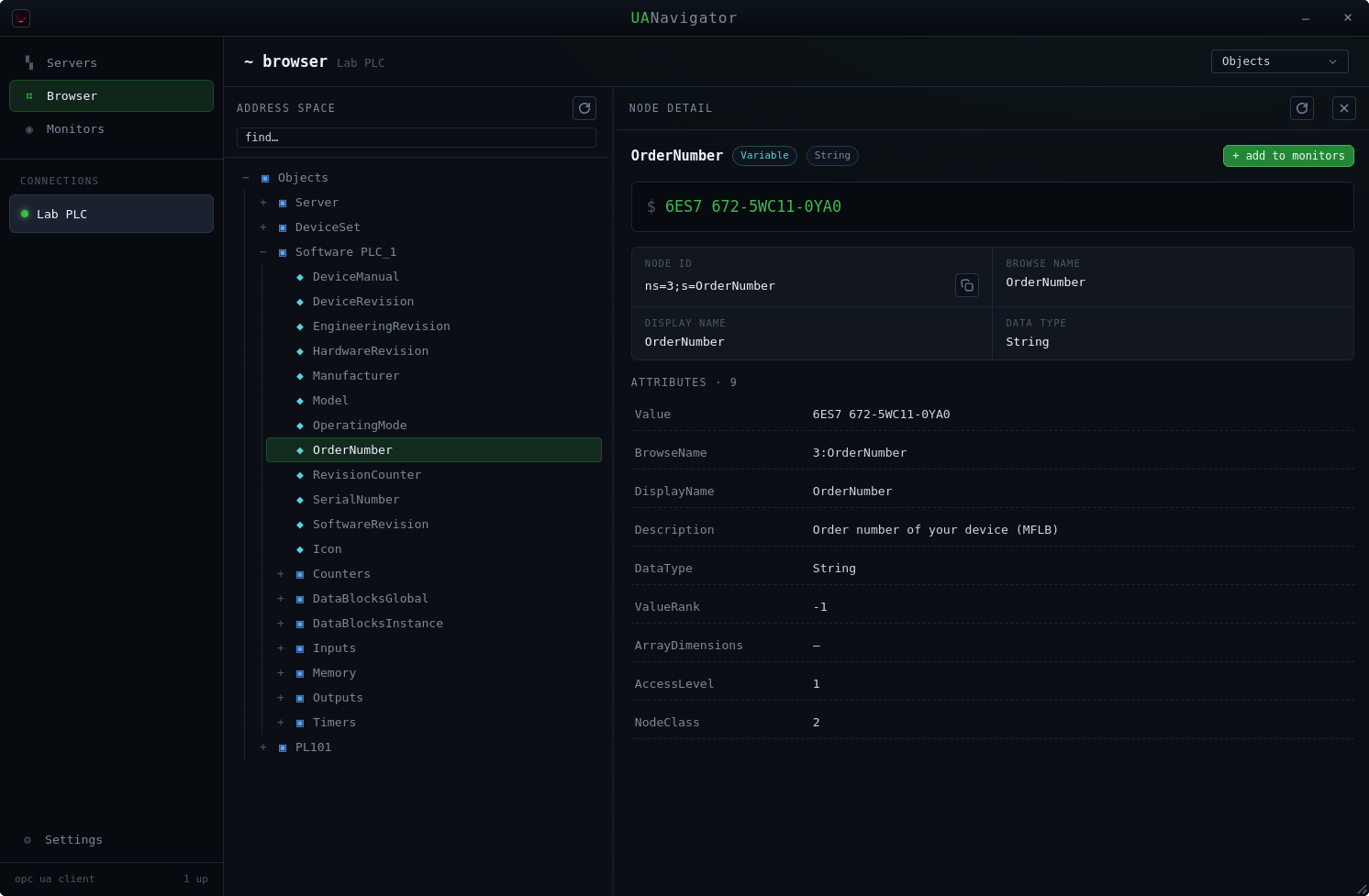
  • Node browsing. Walk the address-space node tree (HierarchicalReferences).

  • Node inspection. NodeId, browse/display name, the current value, plus the standard attributes — DataType, ValueRank, ArrayDimensions, AccessLevel, and the rest.

  • Monitored variables. Save any node and watch its value update live through an OPC UA subscription (DataChange events).

  • Persistence. SQLite under the app-data directory: connections and saved nodes restored on startup, one-click reconnect, monitoring resumes automatically.

Requirements

  • Windows or Linux. On Windows the Microsoft Edge WebView2 Runtime — preinstalled on Windows 10/11, so in practice: nothing.

  • v1 security. Anonymous identity tokens; the endpoint picker surfaces whatever policies the server advertises.

  • Build from source. Rust (stable), Node 22+ and pnpm; on Debian/Ubuntu the webkit/GTK dev packages (libwebkit2gtk-4.1, libgtk-3, libxdo, libssl and friends); NSIS on Windows (the Tauri CLI can fetch it):

    pnpm install
    pnpm tauri dev     # development
    pnpm tauri build   # AppImage + .deb (Linux) / NSIS (Windows)

Tech stack

Shell Tauri 2
Backend Rust — async-opcua 0.19, tokio, dashmap, rusqlite
Frontend React 19 + TypeScript, Vite
State Zustand
Styling hand-rolled terminal CSS

Notes from the factory

On Linux the app pins GDK_BACKEND=x11: native Wayland leaves window placement entirely to the compositor — a polite word for no — so position restore would be a no-op. XWayland is on every Wayland session anyway, so it is transparent.

The window remembers its size and position. The server, less so.