Skip to content
AutomationHub
back to the app directory

TiaTools2

// attach to the instance, skip the splash screen

TiaTools2 app icon

TIA Portal Project Browser

WindowsTauri / .NET

A desktop front-end for a running TIA Portal instance. TiaTools2 attaches through Siemens’ Openness API, walks the hardware tree, the tag tables, the blocks and the UDTs — and writes them back. It reads the projects; it does not replace them.

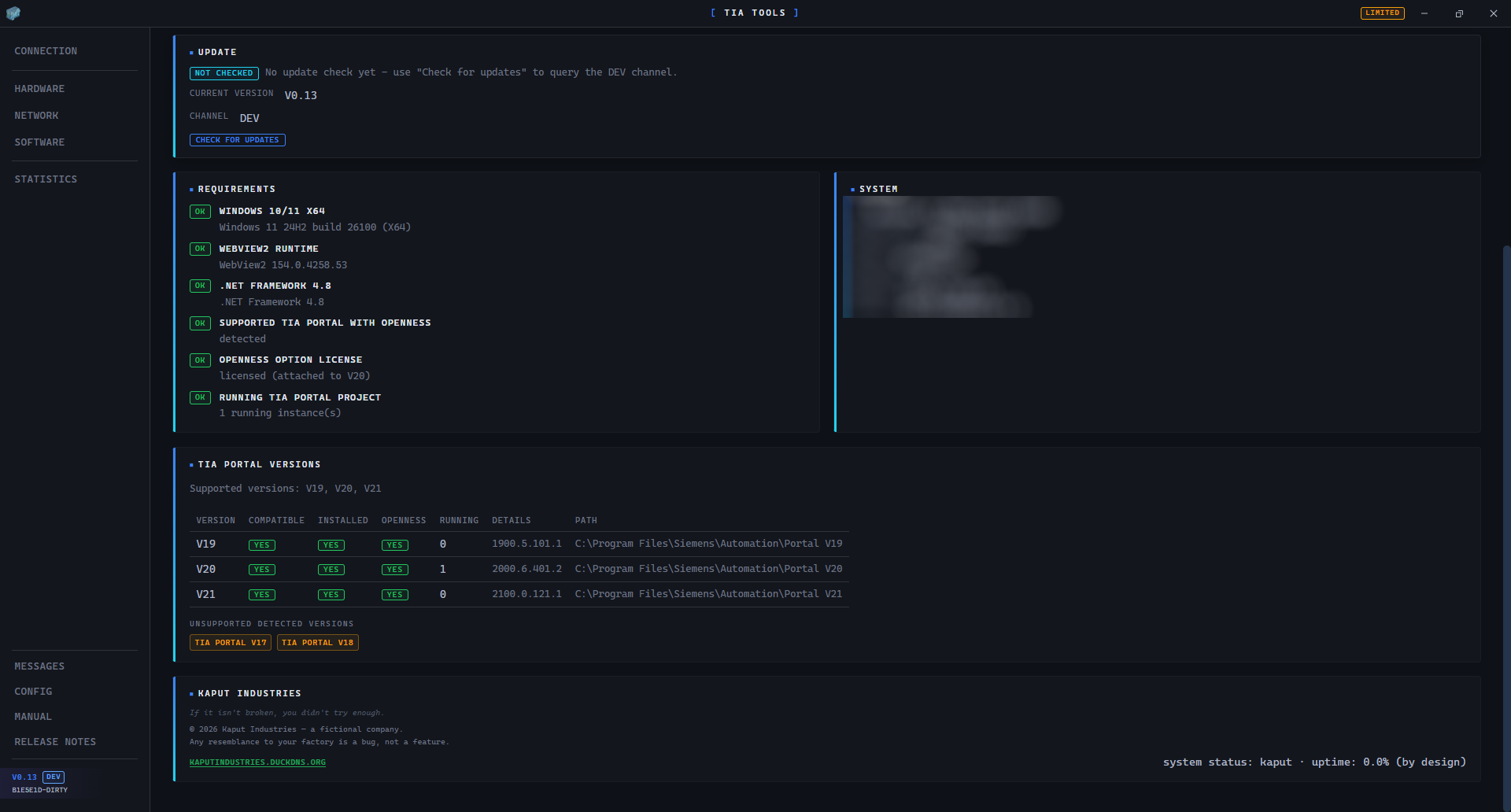
The Openness API is .NET 4.8-only, so all of it runs in a bundled sidecar (TiaBridge) that talks JSON-RPC over stdio to the Rust core. Each installed TIA Portal version gets its own isolated domain, so V19, V20 and V21 coexist in one app without assembly-identity fights.
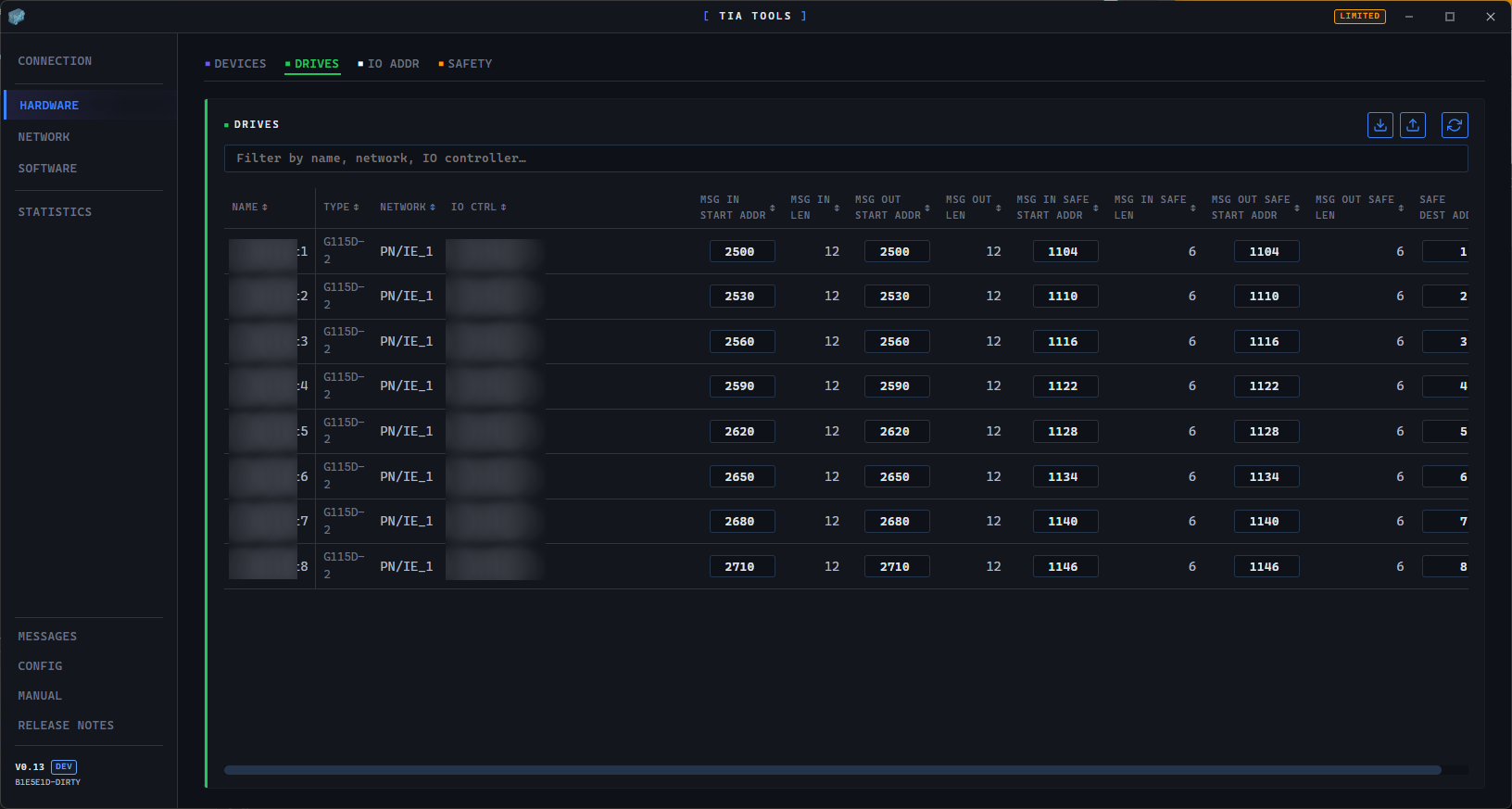
Screenshots

// numbered drop-in — 01.png, 02.png, … — whatever exists, shows

// screenshots pending — drop 01.png+ into apps/tiatools2/

Features

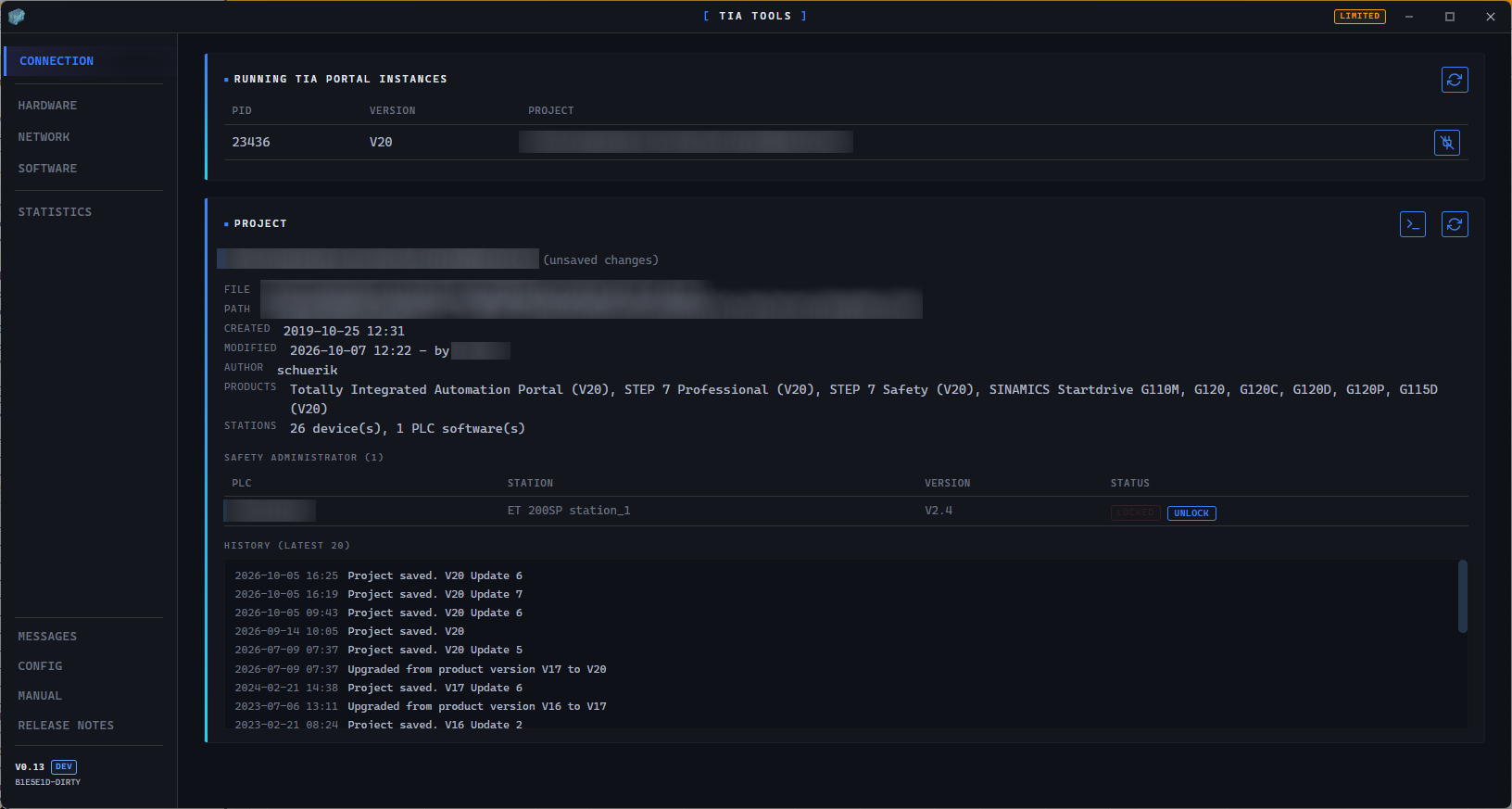
  • Connection. Lists the running TIA Portal instances with their versions; attach to the open project, detach, refresh.

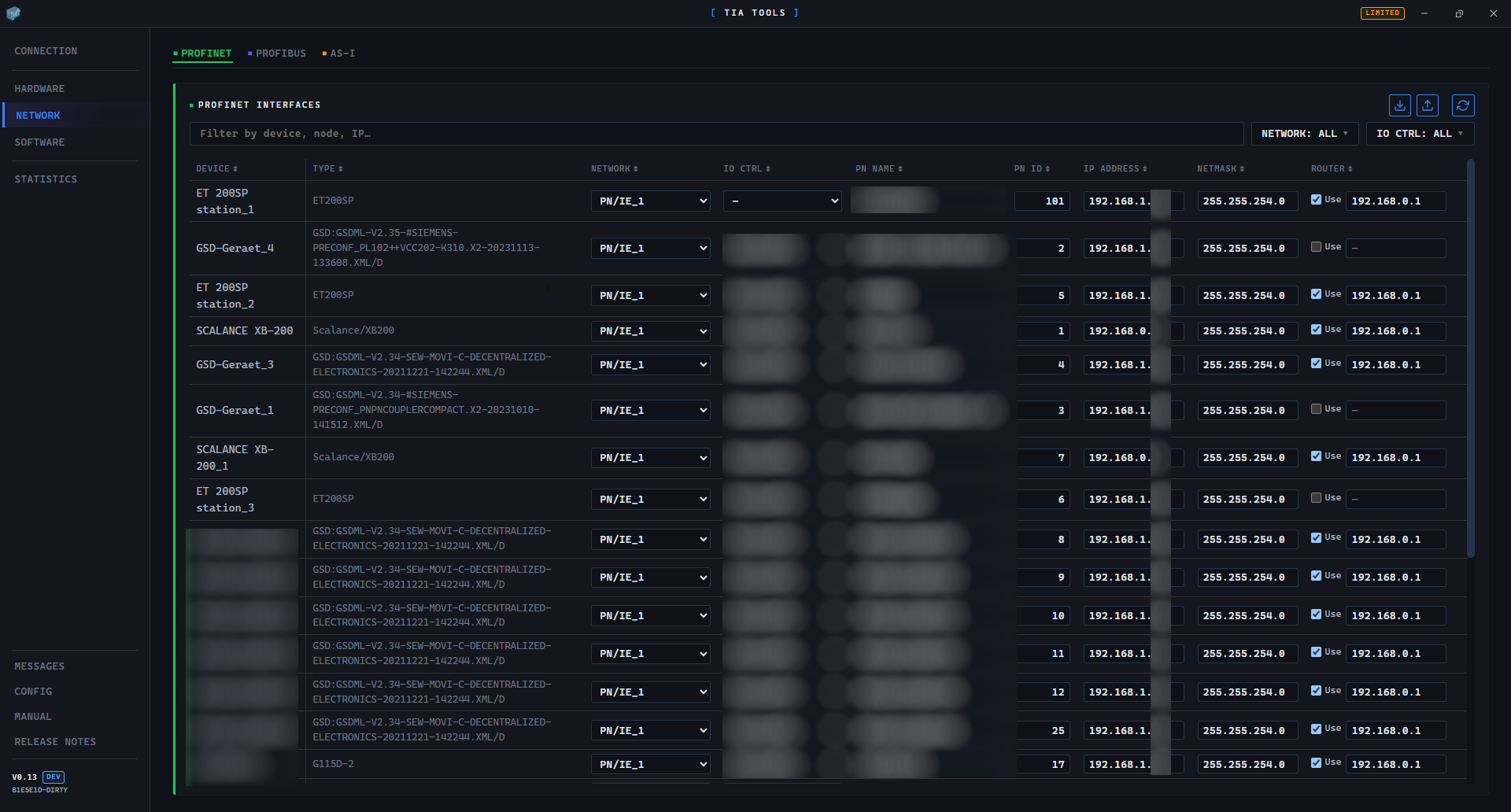
  • Hardware. The device tree — racks, modules, order numbers — plus Profinet interfaces with IP configuration you can actually edit.

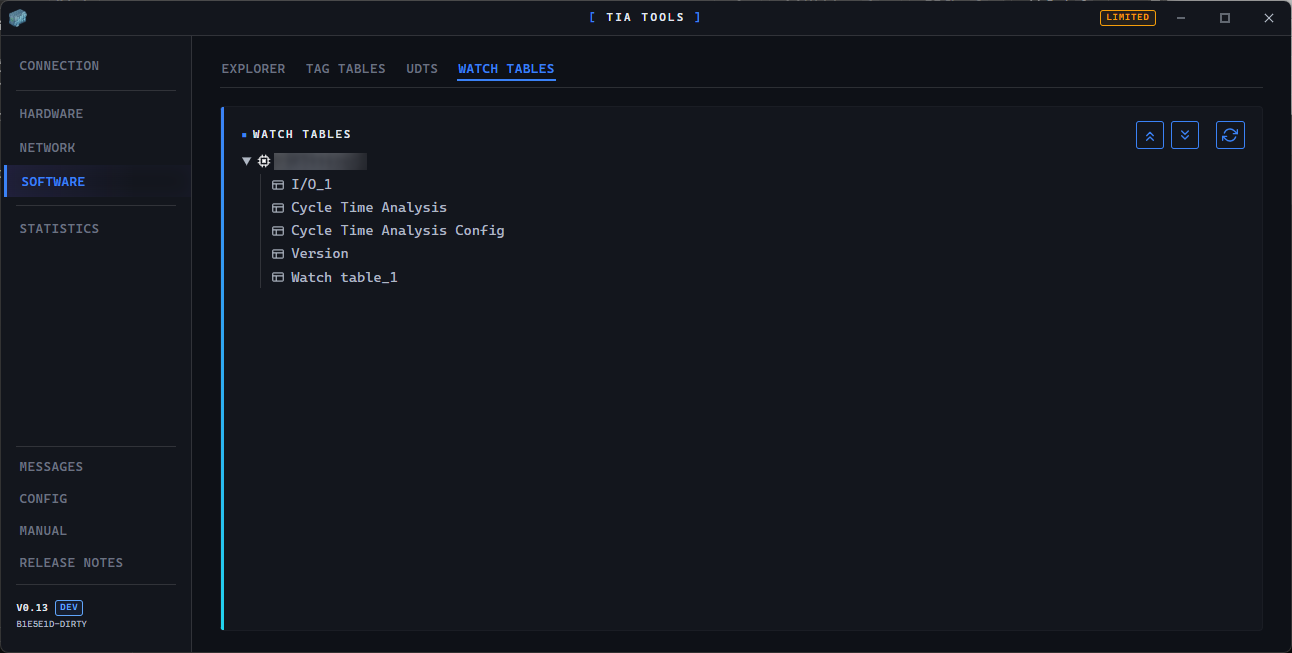
  • Software. PLC tag tables with add, edit and delete; blocks and UDTs with rename and move. No clicking through six dialogs to rename a tag.

  • Multi-version. V19/V20/V21 from the start: per-version AppDomain isolation with its own STA thread, so Openness’ thread-affinity rules are satisfied by construction.

  • Dirty tracking. Edits apply to the in-memory project immediately; nothing touches the project file until an explicit Save. The app tells you when you have unsaved changes, which is more than most tools do.

Requirements

  • Windows only. TIA Portal does not run elsewhere, and neither does this.

  • TIA Portal installed. V19/V20/V21, with the Openness option package licensed. The Siemens DLLs are never bundled — they are resolved from the installation on the machine.

  • First attach. TIA Portal shows a one-time trust/confirmation dialog for a given build. Click Allow once and the decision is remembered; expect to re-approve after a rebuild.

  • Attach only. v1 attaches to a project that is already open in a running instance — there is no open-file flow, by design.

Tech stack

Shell Tauri 2 (Rust) + WebView2
Frontend React + TypeScript
Sidecar TiaBridge (.NET Framework 4.8)
IPC line-delimited JSON-RPC over stdio
Openness per-version AppDomain + AssemblyResolve isolation, STA dispatcher

Notes from the factory

Openness has no undo. Destructive writes — delete a tag, rename, parameter change — ask for confirmation first, and the confirmation means it.

If you were hoping for Ctrl+Z, that hope is not on the roadmap. The in-memory model is the safety net; Save is the exit.